- calendar_today August 22, 2025
High-concept launches are typically used to package artificial intelligence. A brand-new app, tool, or possibly an entire platform that claims to “revolutionize” our way of working. However, Microsoft is taking a different approach, one that doesn’t require you to alter your routine, download any additional software, or learn anything new.
Rather, they’re adding a subtle yet astute AI upgrade to Windows 11’s default apps.
Furthermore, these are not tools for experimentation that will remain idle. These include the ones you already use, like Paint, Snap Tool, and Photos. They will simply do more now.
Snipping Tool: It Can Now See What You See
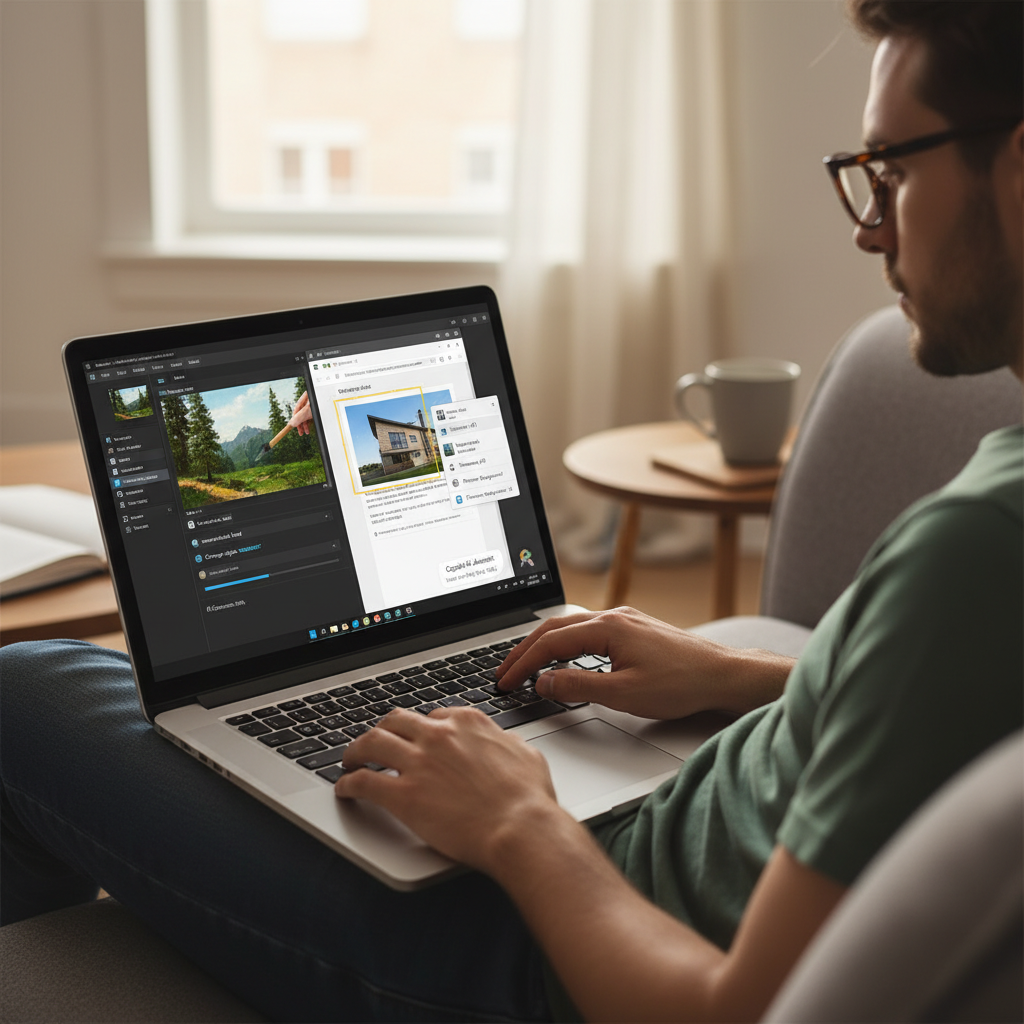
Your PC’s silent workhorse has always been the Snipping Tool. Without realizing it, you use it to take screenshots, annotate photos, and copy portions of webpages. Now, though, it’s learning to truly comprehend what those pictures contain.
Microsoft is integrating optical character recognition (OCR) into the Snipping Tool. This implies that the app will allow you to pick and copy text straight from the image when you take a picture of a slide or a portion of an email.
You can therefore paste a quote from a screenshot into your document or chat window rather than typing it again or copying code from a frozen video frame. It’s the kind of adjustment that subtly improves your daily productivity.
Paint and Pictures Are No Longer Basic
The next app to be improved is Photos. It is becoming more adept at identifying what is truly in your photos. You don’t need to be an expert to blur the background, cut out a subject, or even isolate faces because the AI will assist you in editing around any object, person, or pet.
For casual users who want more control without using Photoshop, this is a useful upgrade.
The biggest surprise, though? Paint is changing.
Yes, the first real taste of AI is being given to MS Paint, the unassuming program that most people associate with doodles. With Microsoft’s built-in text-to-image feature, you can type something like “a panda astronaut eating noodles on Mars,” and Paint will turn your words into a picture.
The same generative AI that powers Bing’s image creator—likely a variant of DALL·E—powers it. Paint turns into a creative playground all of a sudden. That’s sort of the point, but it’s not for experts. It enables anyone with a keyboard and an idea to generate AI images.
The True Power: Local AI Made Possible by NPUs
Yes, these new tools are clever. However, a significant change in PC hardware—NPUs (Neural Processing Units)—has made them quick and private.
These chips are designed to manage AI tasks right on your device. Additionally, they are now becoming standard on processors like AMD’s 7040 series and Intel’s Meteor Lake. This implies that AI tasks can be performed locally on your computer without transferring data to the cloud.
Therefore, using Paint to edit a photo or create an image is quick, safe, and doesn’t require an internet connection. It feels easier, safer, and less like AI is taking over.
Microsoft isn’t making big announcements to impress you. AI is being subtly incorporated into your daily life. And perhaps the most beneficial “invisible upgrade” of all is that kind.