- calendar_today August 26, 2025
After extensive beta testing and speculation Google has officially begun distributing Android 16. Pixel phone users can access the update immediately while others will receive the update over the next few months. Pixel users will start receiving OTA update notifications soon but those who want the update right away can download system images and update files from Google’s developer pages.
The current Android update provides few flashy features to users. The update emphasizes minor system improvements and several user-oriented enhancements. Anticipated larger feature releases will be introduced in the latter part of 2025.
Cleaner Notifications and Smarter Alerts
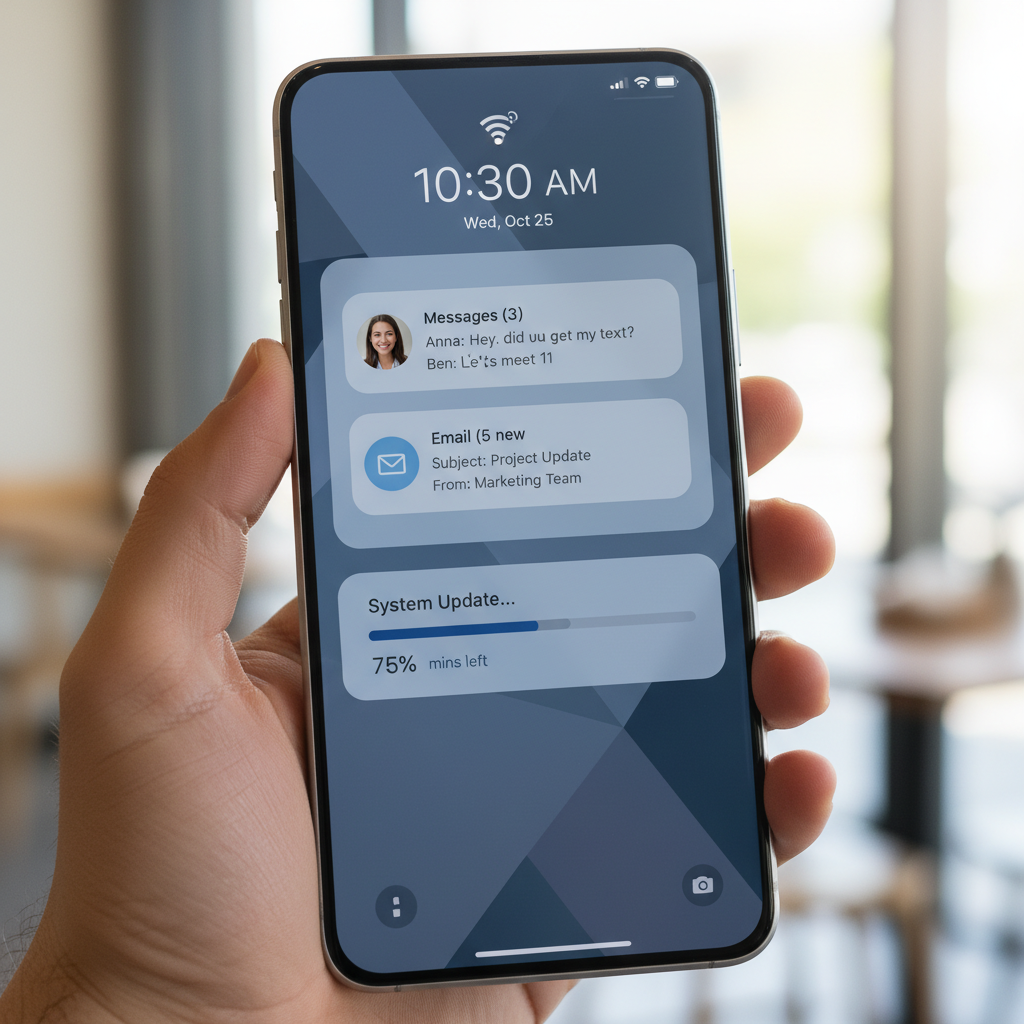
Android 16 introduces significant improvements to notification management as one of its most outstanding updates. Google has established its bundled notification feature from Android 7.0 Nougat as a compulsory element for all apps. Applications are required to consolidate multiple notifications into one expandable entry to ensure users experience a cleaner notification shade while browsing through numerous alerts.
Live update notifications are also new. This feature enables real-time tracking updates from specific applications such as ride-sharing and food delivery services. A tiny status bar icon can be tapped to display a pop-up card with a real-time progress bar. Google has partnered with Samsung and OnePlus to integrate this functionality into their proprietary user interfaces namely Samsung’s Now Bar and OnePlus’s Live Alerts.
The new Android 16 operating system delivers system-wide Advanced Protection to enhance device security. This feature which used to be connected to user accounts can now operate throughout the entire device. The system blocks connections to insecure 2G networks while preventing access to dangerous websites and disabling USB connections from unrecognized devices. It’s a step forward for privacy-conscious users.
The Pixel Studio app now includes Emoji Kitchen which provides Pixel users with a new engaging tool. The feature enables users to generate distinctive emoji combinations with the assistance of generative AI. Although this feature doesn’t improve productivity it enriches the Android experience by enabling personal expression.
Developers must evaluate several upcoming changes. Applications designed for Android 16 (API level 36) receive enhanced optimization for large screen displays. Google aims to simplify the design process for responsive layouts specifically for foldables and tablets which remains a key focus area. Expanded camera capabilities including motion photo capture and night mode support have been introduced alongside hybrid auto-exposure in the latest update. Applications that provide this feature will now support HDR screenshots.
Google remains focused on system performance and efficiency as its top priority. Android 16 introduces additional restrictions on background processes. The update should allow phones to run faster and use battery power more efficiently but some older apps might face compatibility problems.
The Android 16 release comes with Pixel Drop which brings exclusive features specifically for Pixel devices. Pixel VIPs stands out as the most significant feature which builds upon the familiar favorite contacts idea. A dedicated widget now displays VIP contact information which includes recent messages from WhatsApp and Messages alongside shared location details and birthdays. The Do Not Disturb settings cannot block calls from these contacts.
The Pixel Drop update incorporates improved hearing aid compatibility along with live search functionality in the Magnifier app and broadened availability of Expressive Captions across the UK, Australia, and Canada. These Pixel-related features function independently of full system updates.
The development stage continues for several of Android 16’s most awaited features. Pixel phones will receive Material 3’s new Expressive design language later this year. Developers received guidance to start transforming their applications to match the new vibrant and expressive design aesthetic.
The desktop mode feature which has been a topic of discussion in Android communities is finally entering the ecosystem. Google teams up with Samsung to enhance the DeX-style windowing functionality. Tablets will achieve laptop-like functionality through external display connections by enabling floating windows which enhance multitasking capabilities. The Pixel 9 Pro Fold foldable device lacks this feature but retains the ability to project a desktop interface onto external screens. The feature’s availability will be determined by the decisions of the Original Equipment Manufacturers (OEMs). Google phones will support this feature while other manufacturers could restrict it to traditional screen mirroring options.
The launch of this Android release represents a turning point in Google’s software update schedule. The release of new Android versions traditionally coincided with fall Pixel hardware launches. Beginning with Android 16 major updates will launch in late spring and then additional feature drops will follow throughout the year.
The initial release of Android 16 seems modest but establishes a foundation for stronger developments in 2025. In the next few months Android users should anticipate numerous new features that will keep the platform under close observation.